
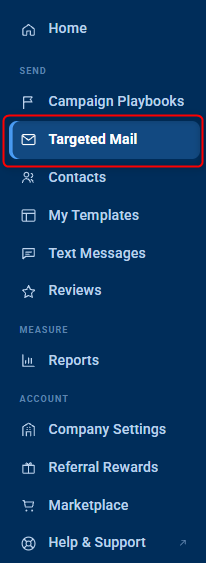
Step 1: Navigate to your Targeted Mail section from your left menu:
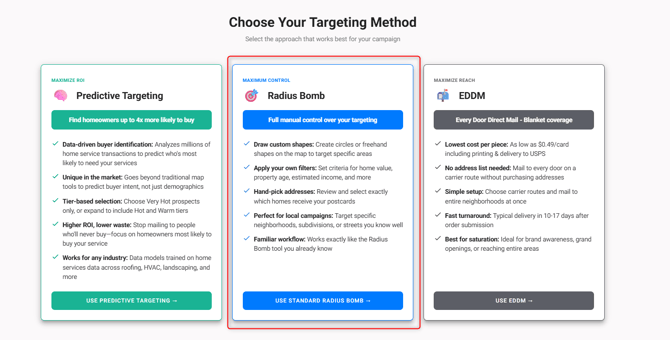
Step 2: Select Radius Bomb:
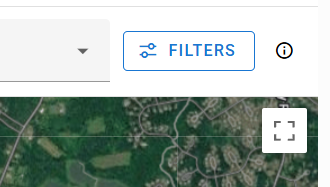
Steps 3: Select the Filters button in the top right corner.
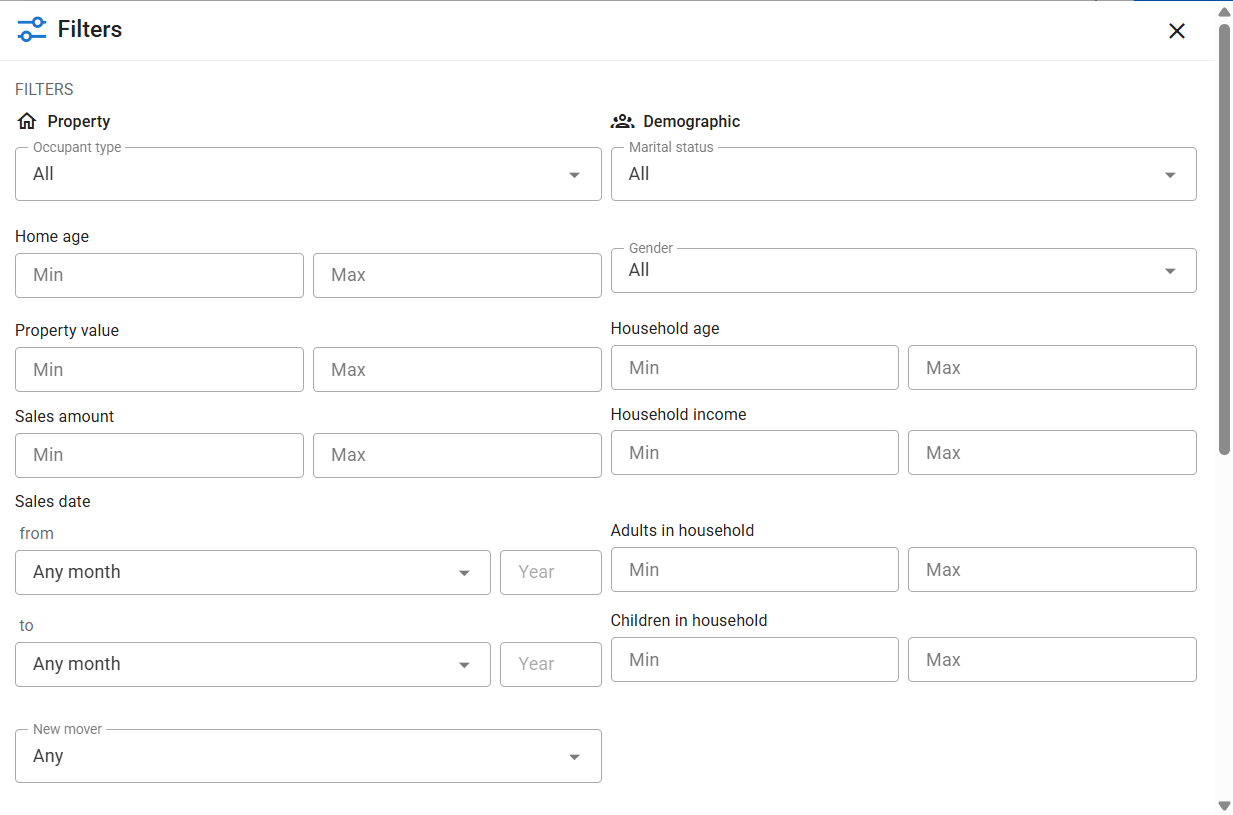
You will be able to select the following filters:
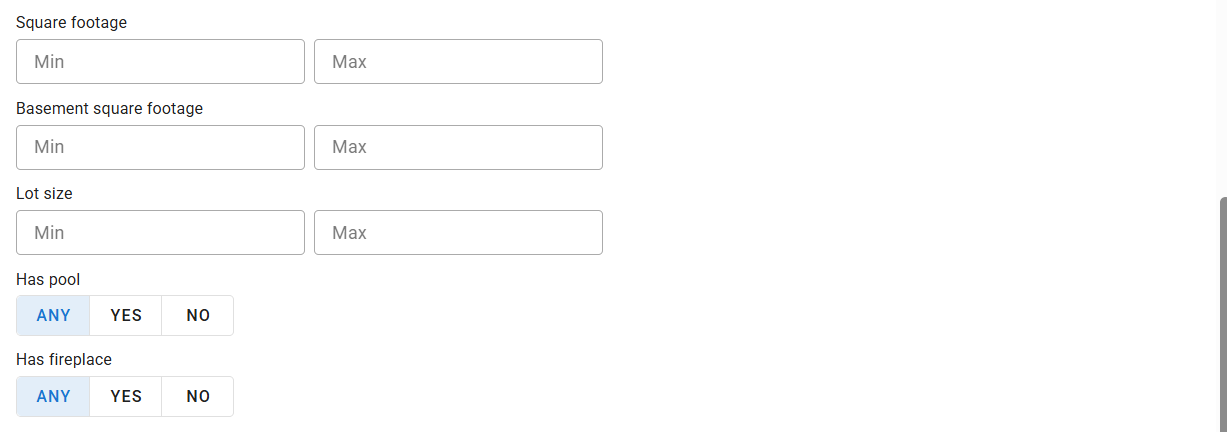
You also have the option to exclude recipients that are currently saved in your Contacts that have a tag:

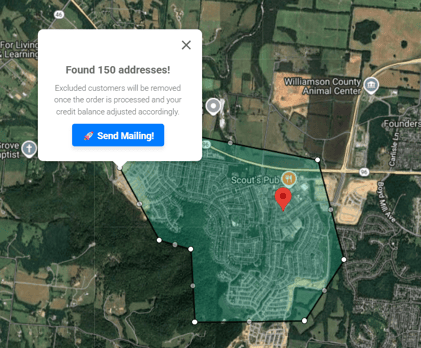
Step 4: Draw your shape and select Send Mailing:
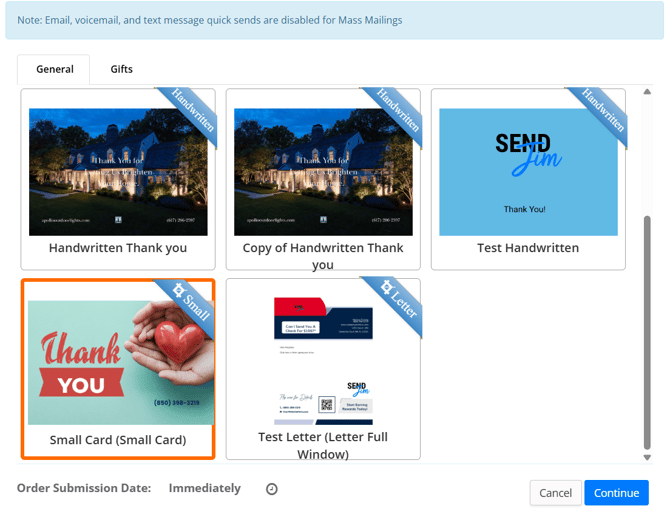
Step 5: Select your Template and click Continue:
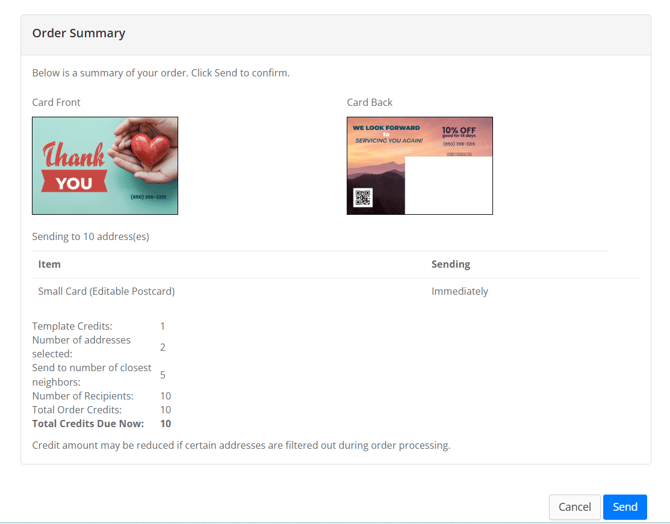
Step 6: Review your order and Send:
If you have any questions or run into any issues, please open a chat with our support team.