
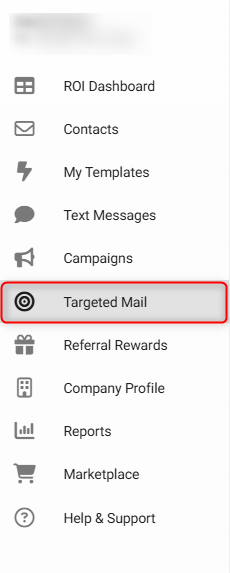
Step 1: Navigate to your Targeted Mail section from your left menu:
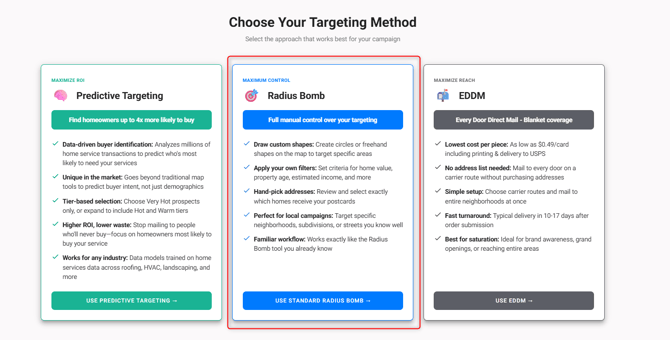
Step 2: Select Radius Bomb:
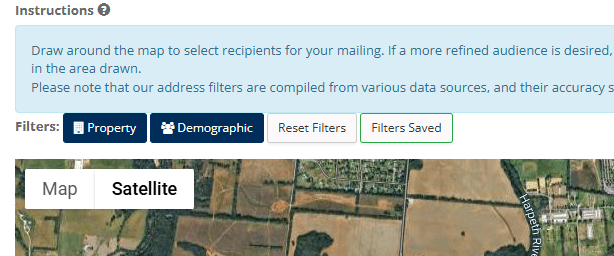
Steps 3: Pull up the different filter options using either the Property or Demographic buttons in the top left corner of your map.
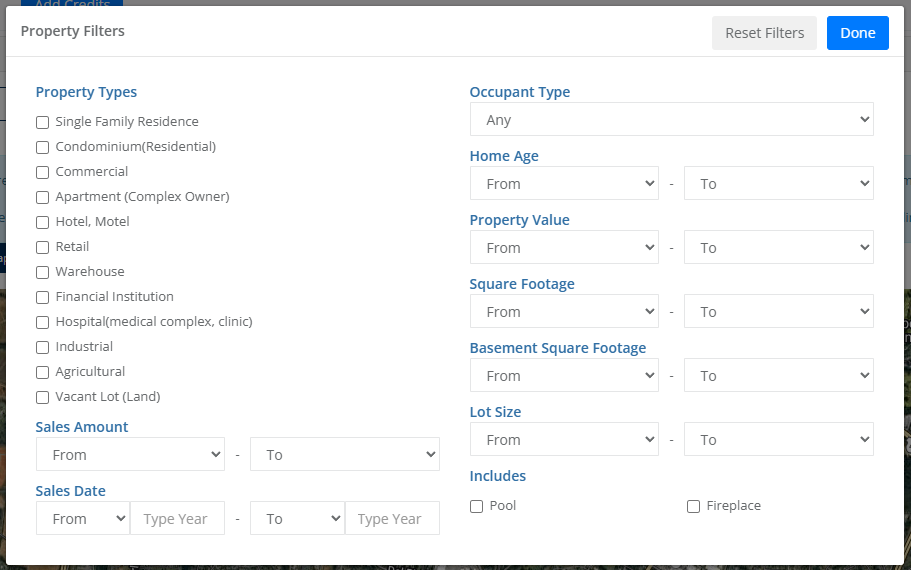
If you select Property you will see the following filter options:
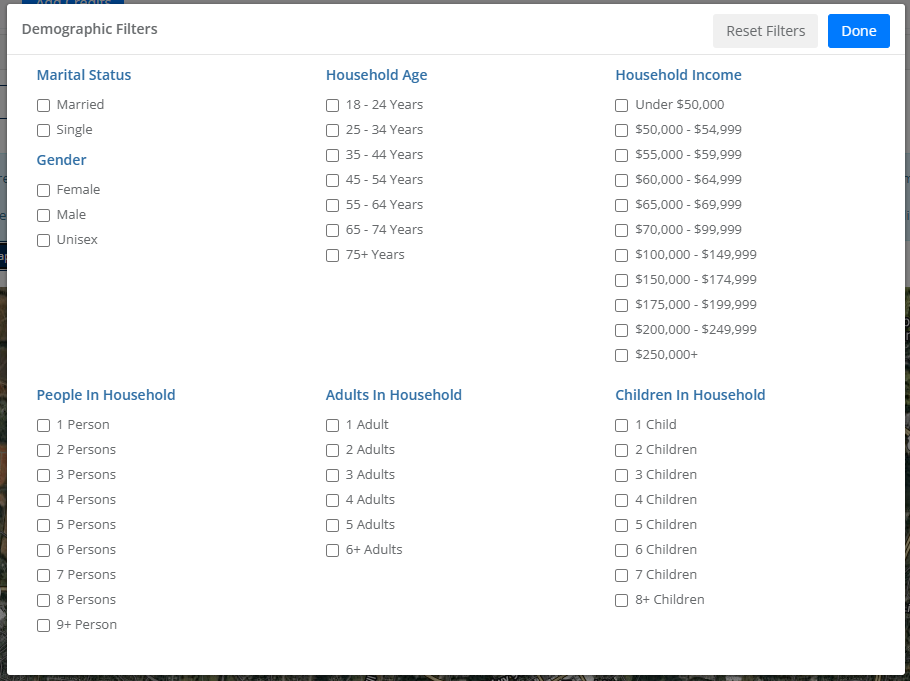
If you select Demographics you will see the following filter options:
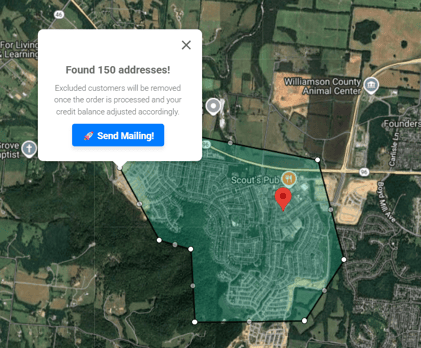
Step 4: Draw your shape and select Send Mailing:
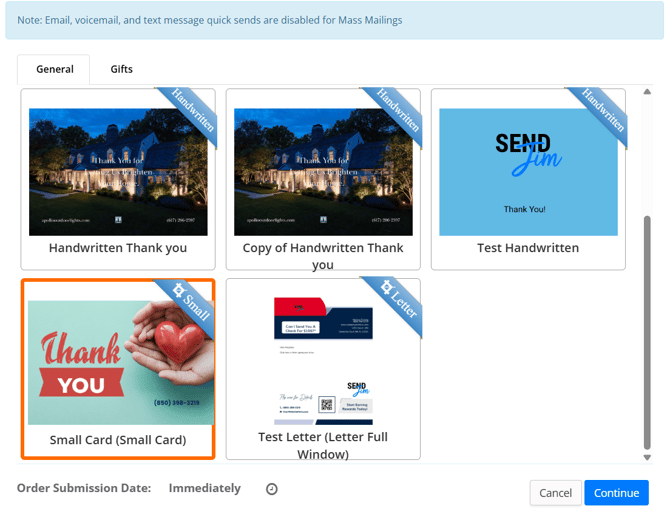
Step 5: Select your Template and click Continue:
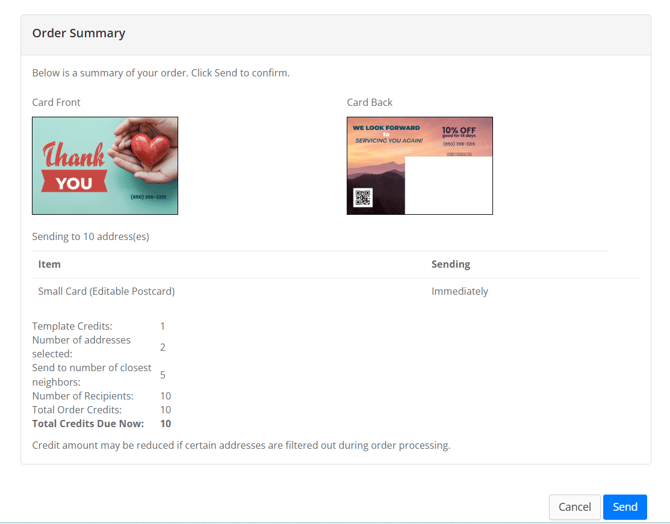
Step 6: Review your order and Send:
If you have any questions or run into any issues, please open a chat with our support team.